Two-factor authentication (2FA) adds a critical security layer to your Coinme account. In the last few years, we’ve required SMS-based 2FA for all Coinstar kiosk transactions, and we’re constantly working to enhance security across our platform.
In this guide, we’ll explain what 2FA is, how we implement it at Coinme, and share practical security tips to keep your crypto safe. You’ll learn how our SMS verification works, best practices for account security, and what to do if you run into issues.
What is Two-Factor Authentication and Why Does Coinme Use It?
Two-factor authentication is a security method that requires two different types of verification before granting account access. It combines something you know (your password) with something you have (your phone/device). Even if someone steals your password, they can’t access your account without that second factor.
At Coinme, we implemented mandatory 2FA because:
- It helps stop account takeovers – Password can be weak and exploited, but hackers can’t get in without your phone
- It protects your transactions – Most purchases requires your explicit verification
- It enables higher limits – Verified accounts can access increased purchase amounts
Since implementing 2FA, we’ve seen a dramatic reduction in unauthorized access attempts. It’s one of the simplest yet most effective security measures you can use.
How 2FA Works at Coinme
SMS Verification for Kiosk Transactions
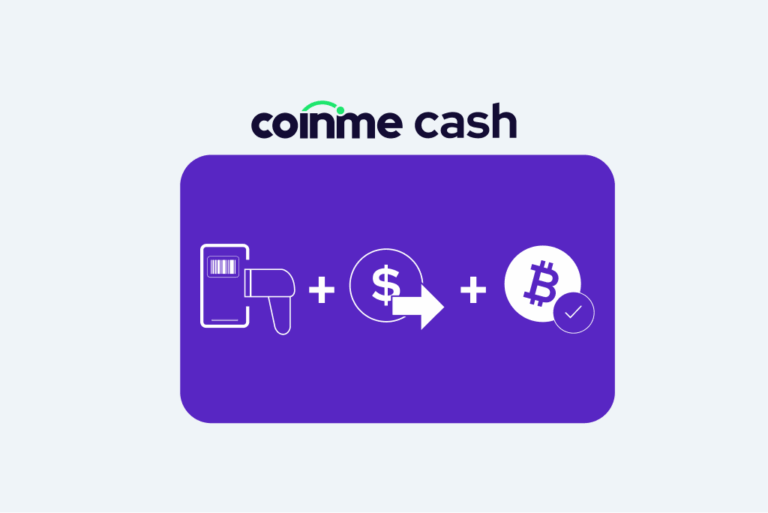
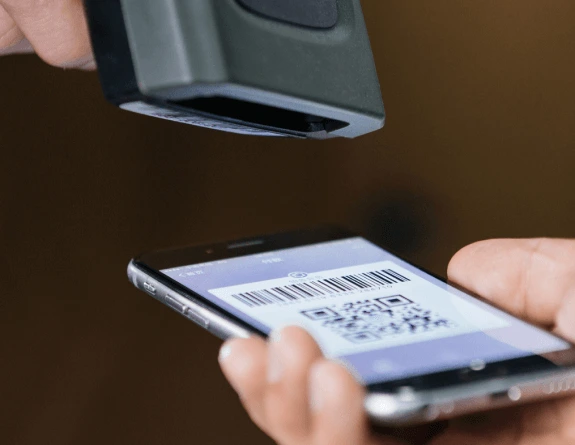
When you’re at a Coinstar kiosk, here’s exactly how our 2FA process works:
- Enter your phone number – Input the number linked to your Coinme account
- Receive a code – We’ll text you a 6-digit verification code
- Enter the code – Type it into the kiosk (codes expire after a few minutes)
- Complete your purchase – Once verified, proceed with your transaction
Pro tip: Always bring your phone to the kiosk! No phone = no purchase. We’ve all been there – standing at the kiosk, cash in hand, phone on the kitchen counter. Don’t be that person.
Account Security Features
Beyond kiosk transactions, your Coinme wallet includes:
- Password protection with complexity requirements
- Session timeouts for inactive accounts
- Transaction confirmations for critical crypto movements
We’re continuously evaluating additional security options, including authenticator app support and biometrics, based on user feedback and industry best practices.
Setting Up and Managing Your Coinme Security
Initial Account Setup
When you create your Coinme account, security starts from day one:
- Verify your phone number – We’ll send a test SMS to confirm it’s really yours
- Create a strong password – Use at least the minimum characters with mixed case, numbers, and symbols
- Complete identity verification – Provide SSN or upload your ID and selfie for KYC compliance
- Save your account details securely – Use a password manager, not a sticky note
Managing Your Phone Number
Your phone number is crucial for Coinme access. Here’s how to keep it secure:
Do this:
- Keep your number updated in your account settings
- Use a number you’ll always have access to
- Contact your carrier immediately if your phone is lost or stolen
- Enable carrier security features like port-out protection
Don’t do this:
- Use a work phone you might lose access to
- Share your verification codes with anyone (we’ll never ask for them)
- Ignore suspicious activity on your phone account
If you need to change your phone number, update it in the app before you lose access to the old one. Trust us, it’s much easier than account recovery.
Common 2FA Issues and Solutions
“I’m Not Receiving SMS Codes”
This is our most common support request. Here’s what to check:
- Signal strength – Move to an area with better reception
- Correct number – Verify the number in your account matches your phone
- SMS blocking – Check if you’ve blocked short codes or unknown numbers
- Carrier issues – Some prepaid plans block automated messages
Still stuck? Contact our support team through the app. We can help troubleshoot or temporarily assist with verification.
“I Lost My Phone”
Lost your phone? Don’t panic, but do act fast:
- Contact your carrier – Suspend your line to prevent SIM swapping
- Reach out to Coinme support – We’ll help secure your account
- Get a replacement SIM – Your carrier can transfer your number
- Update your account – Once you have your new phone, verify everything works
“Someone Else Has Access to My Phone”
If your phone is compromised:
- Change your Coinme password immediately
- Review recent account activity for unauthorized transactions
- Contact support to flag your account for extra monitoring
- Consider changing your phone number entirely
Security Best Practices Beyond 2FA
While 2FA is essential, it’s just one part of comprehensive crypto security. Here’s what else we recommend:
Password Security
Your password is your first line of defense:
- Use a password manager – Generate and store unique, complex passwords
- Never reuse passwords – One breach shouldn’t compromise multiple accounts
- Change passwords regularly – Especially after any security incidents
- Avoid obvious choices – “Bitcoin2025!” isn’t as clever as you think
Device Security
Keep your devices locked down:
- Enable screen locks – Use PINs, patterns, or biometrics
- Keep software updated – Install security patches promptly
- Avoid public WiFi – Use cellular data for crypto transactions
- Install antivirus software – Protect against malware and keyloggers
Account Monitoring
Stay vigilant:
- Check your transaction history regularly
- Set up account alerts for all activities
- Review login locations for anything suspicious
- Report unusual activity immediately
The Future of Security at Coinme
We’re always working to enhance security while keeping things simple. Here’s what’s on our radar:
Coming soon:
- Enhanced app-based authentication options
- Biometric verification
- Advanced fraud detection using machine learning
- More granular security settings for power users
We evaluate every security feature through two lenses: Does it actually make you safer? And can our users actually use it without frustration? If it doesn’t pass both tests, we keep working.
Your Quick Security Checklist
Here’s everything you need to stay secure with Coinme:
✅ Phone number verified and up-to-date
✅ Strong, unique password (stored in password manager)
✅ Identity verification complete
✅ Account notifications enabled
✅ Support contact saved for emergencies
✅ Regular security checkups scheduled
FAQs About Coinme 2FA
Why does Coinme use SMS instead of authenticator apps?
We chose SMS because it works for everyone - no app downloads, no technical setup, just a phone that receives texts. We're exploring additional options for users who want them, but SMS ensures nobody gets left behind.
Can I disable 2FA on my account?
No. 2FA is mandatory for all Coinstar kiosk transactions and for all account access. This protects both you and the integrity of our platform.
What if I'm traveling internationally?
Make sure your phone plan includes international SMS. Contact support if you need help managing access while abroad.
How often do I need to verify?
You'll verify with 2FA for every Coinstar kiosk transaction and for app logins.
Ready to Secure Your Crypto?
Two-factor authentication at Coinme is simple: we text you a code, you enter it, your account stays secure. It takes seconds but provides essential protection for your digital assets.
Don’t wait for a security incident to take action. Make sure your phone number is current, your password is strong, and you understand how our 2FA system works. These simple steps today prevent major headaches tomorrow.
Got questions or running into issues? Our support team is here to help. We’ve guided thousands of users through setup and recovery – you’re not alone in this.
Welcome to Coinme, where security doesn’t have to be complicated
Welcome to Coinme
Download the Coinme app
Where security doesn't have to be complicated